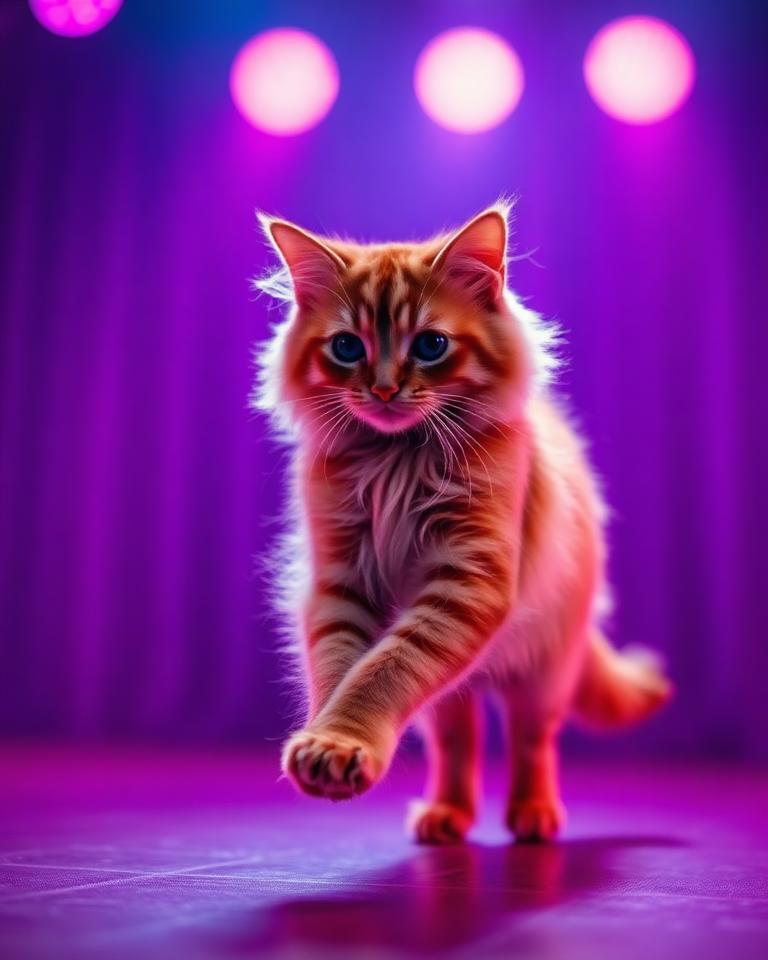
Photo → Animation
Turn a single image into motion.
Upload one still and describe the action. Example: "Make my cat moonwalk."
- JPG / PNG upload
- 4–8 second clips
- Prompt driven
Turn everyday photos and videos into animations, AI characters, cinematic scenes and short stories — just describe what you want to happen.
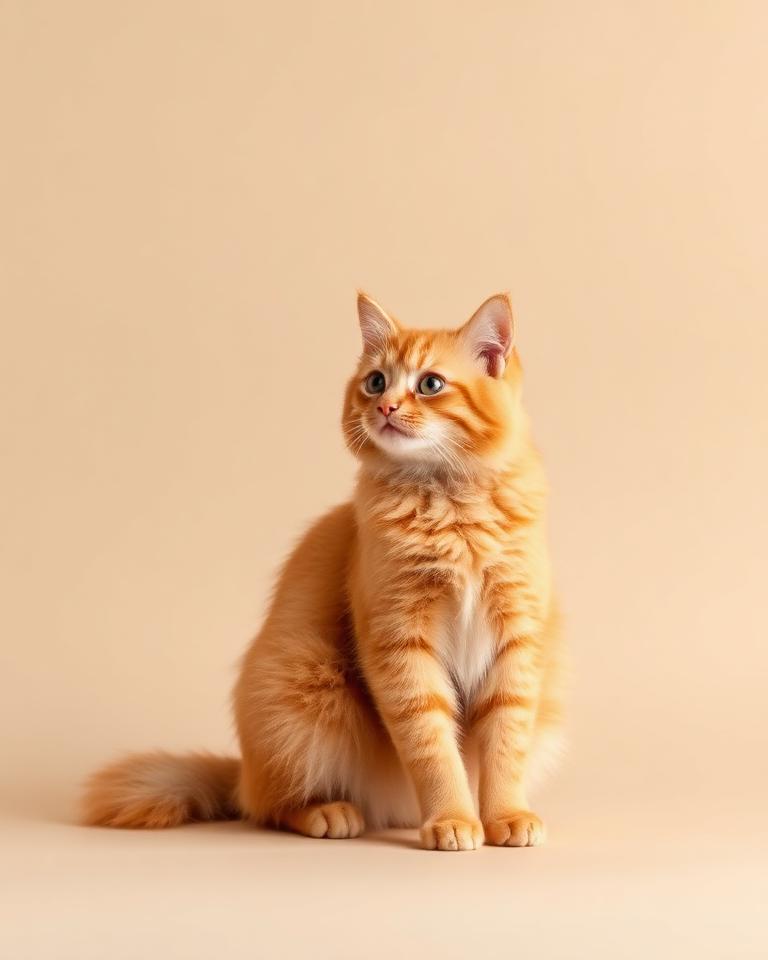
2 · Your prompt
“Make my cat moonwalk.”
Illustrative demo art. Your creations stay private to your account.
Upload. Describe. Generate.
No editing experience required
Create in minutes
Your creations stay organised in Projects
Step 1
Upload a photo or a short video.
Step 2
Tell AnimateX what you want to happen.
Step 3
AnimateX creates your animation, avatar, scene or story.
Step 4
Save characters, build scenes, combine shots and create stories.
Photo → Animation
Upload one still and describe the action. Example: "Make my cat moonwalk."
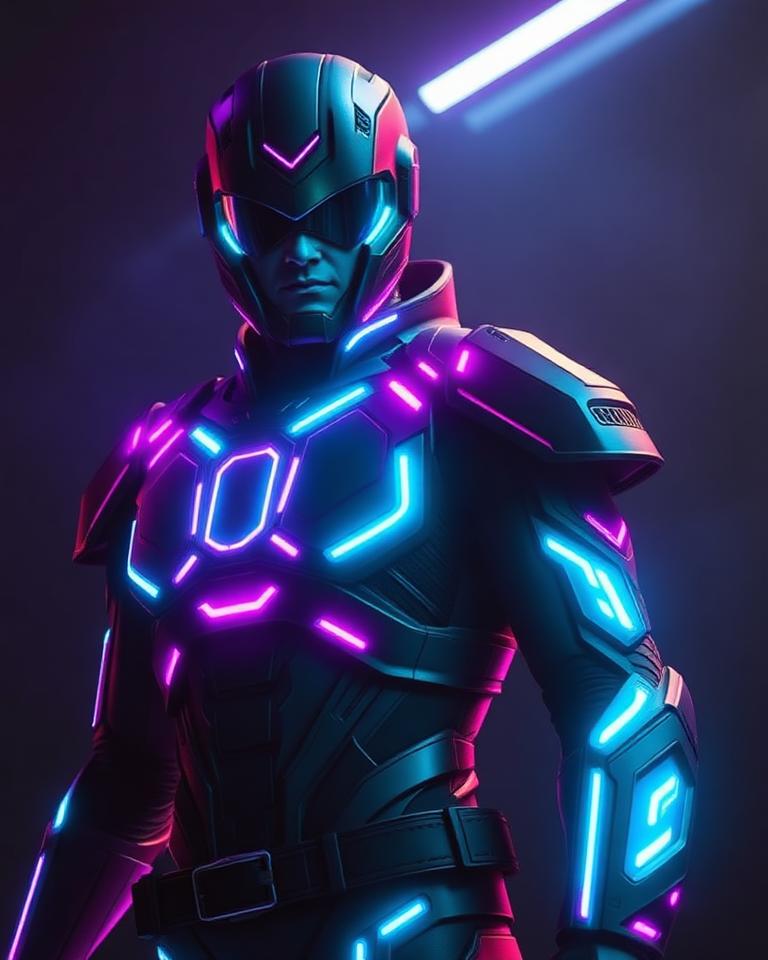
Video → Avatar
Upload a short clip and pick a look — the result becomes a reusable character.
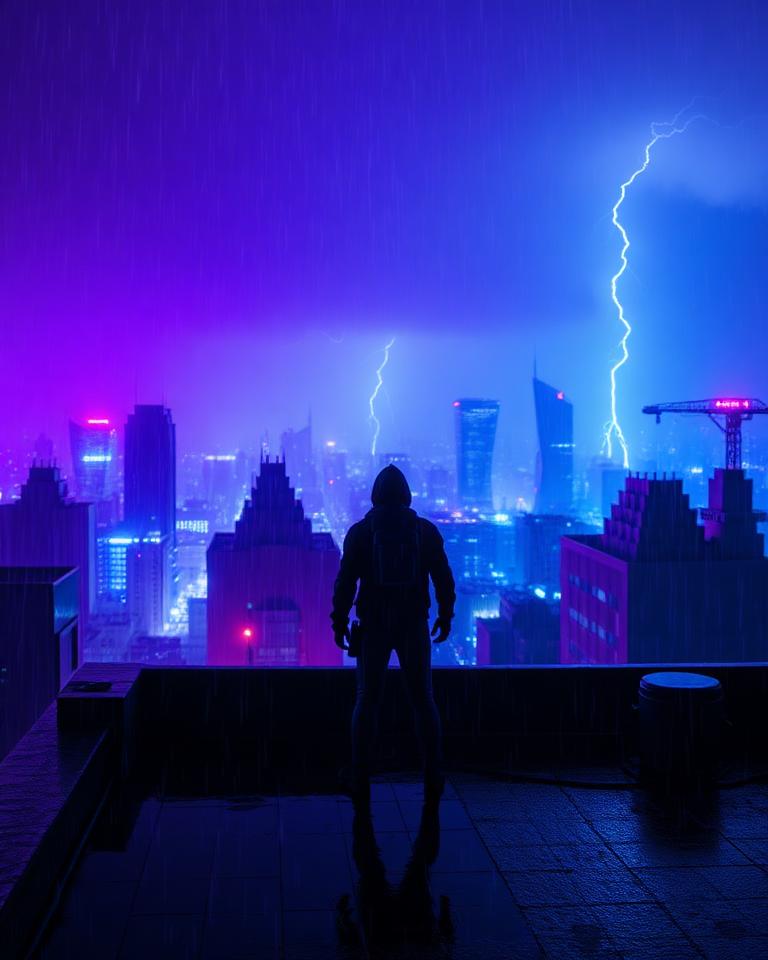
Character → Scene
"Put my character on a rooftop during a thunderstorm." Location, time, weather, camera and action are all yours to direct.
Story Mode
Describe the story, review the storyboard, generate the shots, watch the finished movie.
Demo concepts showing what AnimateX can make. Real showcase clips will appear here as the public beta grows.
Make anything move
Cat photo → moonwalk animation
Become the character
Your video → futuristic superhero
Build the scene
Saved character → rooftop action sequence
Tell a story
Character → multi-scene short movie
Turn yourself or your video into an AI character, save it, then reuse that character across scenes and stories.
Story Mode
Choose your character.
Describe your story.
Review the storyboard.
Generate the scenes.
Watch the finished story.
Every generation costs AnimateX credits and the estimated cost is shown before you confirm. No plan includes unlimited generations.
Try AnimateX and make your first clips.
$0
64 credits one-time
For creators shipping regular content.
$9.99 /month
500 credits per month
For creators producing at a higher volume.
$19.99 /month
1,200 credits per month
For studios and heavy Story production.
$39.99 /month
2,500 credits per month
Photo Animation, 4 seconds
about 32 credits
Video Avatar, 4 seconds
about 40 credits
Character Scene, 4 seconds
about 48 credits
Quick Story (6 × 4-second shots)
about 288 credits
Actual credit usage depends on generation settings.
Create an AnimateX account and get 64 starter credits.
No credit card required.
AnimateX is an AI creative platform that turns photos and videos into animations, characters, scenes and stories.
No. Upload your media, describe what you want, and AnimateX handles the generation process.
Yes. Video → Avatar lets you create and save reusable AI characters from a short clip.
Yes. Saved characters can be reused in Scenes and Stories as many times as you like.
Different AI generations use different amounts of AnimateX credits. The estimated cost is shown before you confirm a generation, credits are held while it runs, and held credits are returned if a generation fails.
Subscription credits are provided for each billing period and expire at the end of that billing period. Other credit types, such as promotional or separately granted credits, may follow different expiration rules.
Your uploads and generated results are stored in private storage tied to your account and are only served to you through short-lived signed links. They are not listed publicly anywhere in AnimateX.
Yes. Paid subscriptions can be managed or cancelled at any time from the billing portal in your Credits page.